Net Anchor
A fishing net strung between two Net Anchors catches fish on its own while you’re away — a passive setup, not something to stand and watch. It takes three steps: craft a pair of anchors, link them with Fishing String, then fill the span with Net blocks.
1. Craft two Net Anchors
Section titled “1. Craft two Net Anchors”At a crafting table, combine 1 Chest, 4 Iron Ingots, 3 Planks, and 1 Iron Chain. Any wood planks work. You need two — one for each end of the net.


2. Place and link them
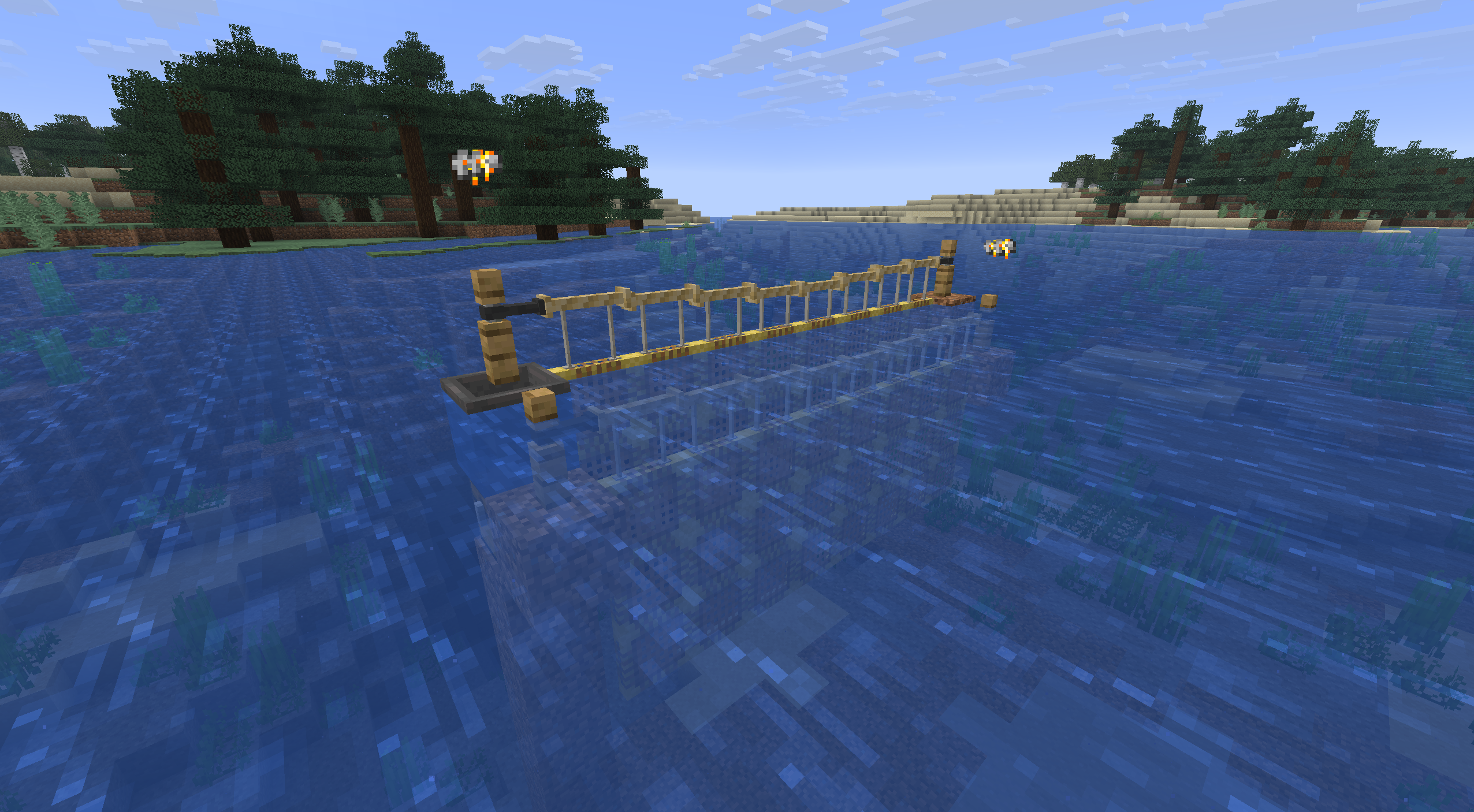
Section titled “2. Place and link them”Put a Net Anchor at each end of the stretch of water you want to fish. Anchors attach to the side or top of a block — mount them on a bank or pillar, or stand them on a surface. The pair must sit on the same axis, 3 to 8 blocks apart, over water in a river or ocean biome.
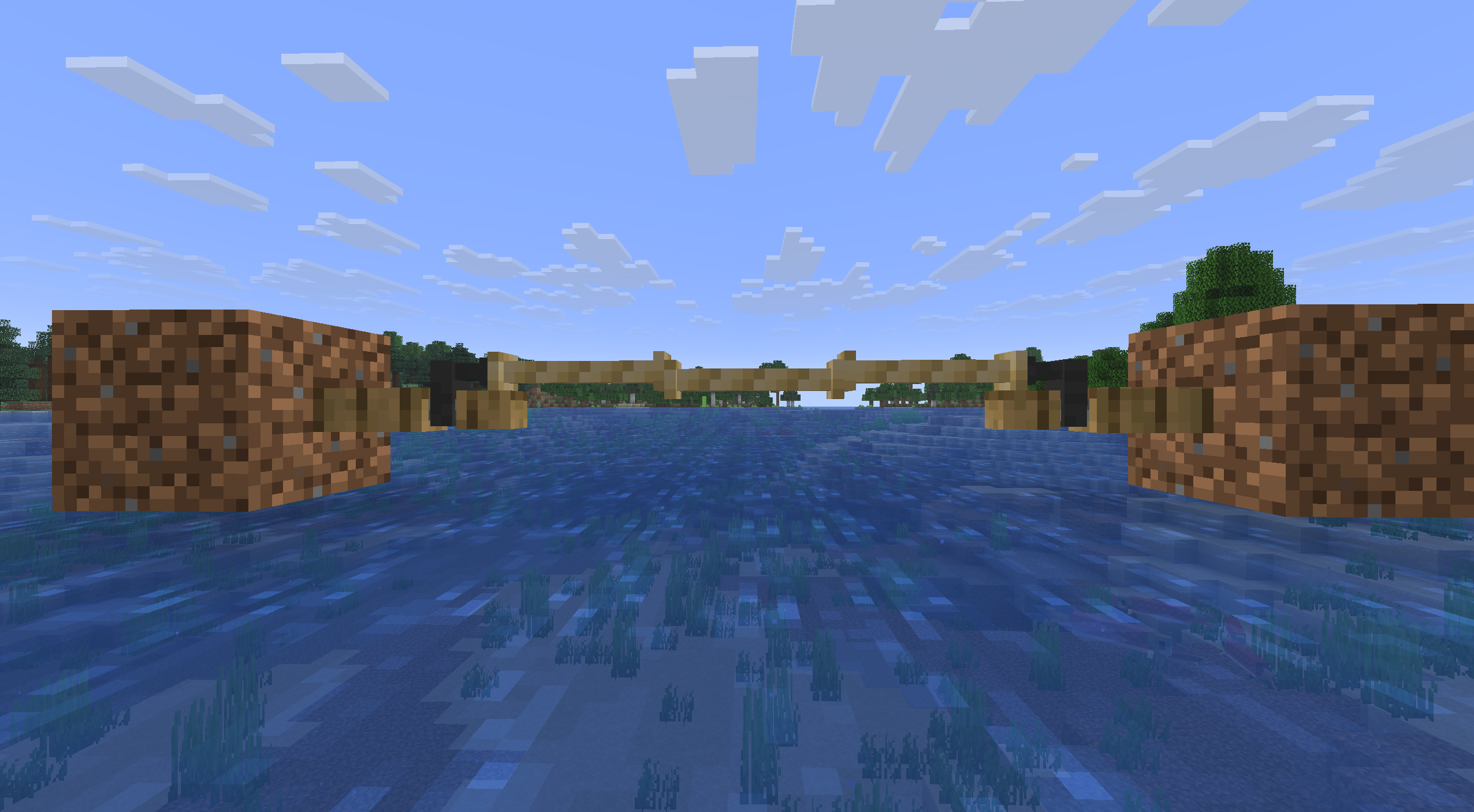
Link the two with Fishing String — not vanilla String, which won’t work at the anchor. The link costs one Fishing String per block of the gap, and the string is only spent once the link actually succeeds.


 4
43. Fill the net
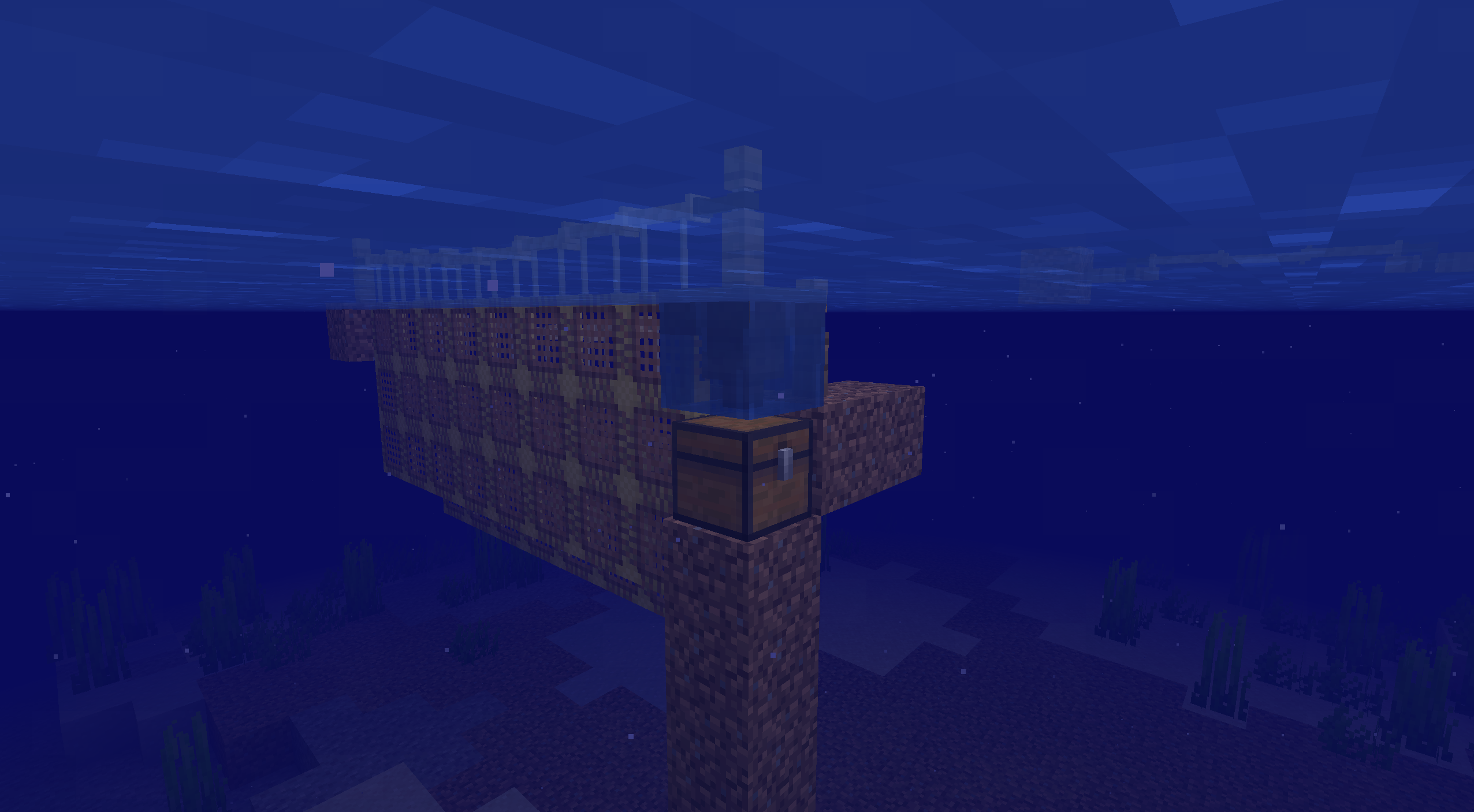
Section titled “3. Fill the net”Right-click either anchor — or any point on the link between them — with a stack of Net blocks to auto-fill the whole frame at once, instead of placing each block by hand. The net hangs down through the water between the two anchors, as in the photo up top.
 4
4Storage & Speed
Section titled “Storage & Speed”The net stores its catch inside the anchor. Its GUI has the catch slots on the left and a column of five catalyst slots on the right — one per rarity. Insert Fish Catalysts from Common upward; each tier unlocks the next and raises the net’s storage capacity and catch speed.
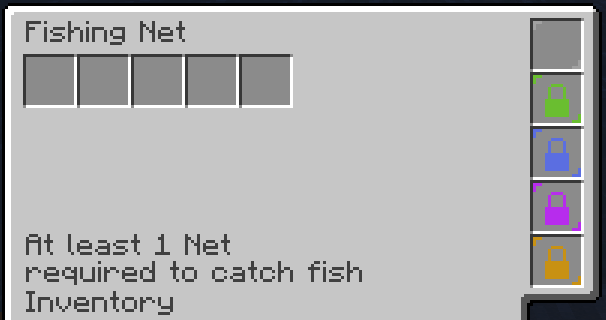
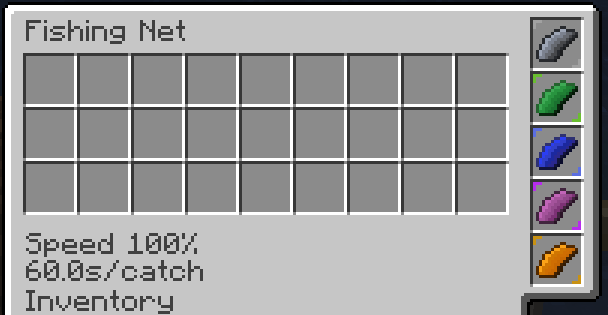
Speed also depends on how much of the frame is actually filled with Net blocks — until at least one is placed, the GUI just reads “At least 1 Net required to catch fish”, and a partly-filled frame catches slower than a full one. Fully upgraded and fully filled, a net lands one fish every 60 seconds; un-upgraded, closer to once every five minutes.
Keep the net ticking
Section titled “Keep the net ticking”The net only catches while its area is loaded and ticking. Leaving the area beyond the server’s simulation distance can stop it; it does not accumulate an offline catch while its chunks are unloaded. For an AFK setup, stay close enough to keep the net ticking.
Emptying the net
Section titled “Emptying the net”When the net fills up it stops catching until you clear it, so empty it regularly. An indicator rises above the anchor whenever the net is full, so you can check it from a distance without opening the GUI.
Set a chest against the anchor and the stored catch feeds into it automatically — route that into your base storage and the net runs unattended.